
Most data starts out looking relational, until it doesn’t. A customer buys a product, reviews a product, and lives in a city that other customers also live in. A machine reports to a supervisor, who reports to a plant manager, who reports to three different plants at once. The moment you need to ask “who is connected to whom, and through what”, a schema full of foreign keys starts fighting you instead of helping you. Every extra hop means another join, and every join makes the query planner’s job harder.
SQL Server has had an answer to this since 2017, and it isn’t a separate product you have to license or migrate to. It’s a graph database built directly into the engine you’re probably already running: node tables for entities, edge tables for the relationships between them, and a MATCH clause that reads like the relationship itself instead of a chain of joins. This guide walks through what that actually looks like, when it’s worth reaching for, and where it fits now that Microsoft has also put a native graph engine inside Fabric.
Graph vs. Relational: What’s Actually Different
A relational table stores facts about one kind of thing, row by row, and leans on foreign keys to say how those things relate. That works well until the relationships themselves become the interesting part of the question. A graph database flips the emphasis: nodes still hold entities, but edges are first-class too, stored as their own rows, each one explicitly connecting two nodes and optionally carrying its own attributes (a “Likes” edge can carry a timestamp, a “ReportsTo” edge can carry a start date).
The practical difference shows up at query time. In a relational schema, finding “friends of friends who live in the same city” means joining the Person table to itself twice and joining again to a City table, and the SQL starts to bury the actual question under join syntax. In a graph schema, that same question is a MATCH pattern that reads left to right the way you’d say it out loud.
When Each Model Actually Fits
Neither model wins outright, and SQL Server doesn’t make you pick one for the whole database. A few signs point toward graph tables:
- Many-to-many relationships that keep growing in number and in kind, like a social graph, a fraud ring, or a recommendation engine.
- Queries that are naturally phrased as “find a path” or “find everything connected within two hops”, rather than “total this column grouped by that one”.
- A schema where the relationships change shape over time (new edge types get added) more often than the entities themselves do.
And just as many signs point toward staying relational:
- Data with a handful of well-defined relationships that don’t multiply (an invoice has one customer, one set of line items).
- Workloads built around aggregation, reporting, or ACID-heavy transactions, like ledgers and financial postings, where tabular joins are already efficient and well understood.
- Teams and tooling built around standard SQL reporting, where introducing a second query style has a real training cost.
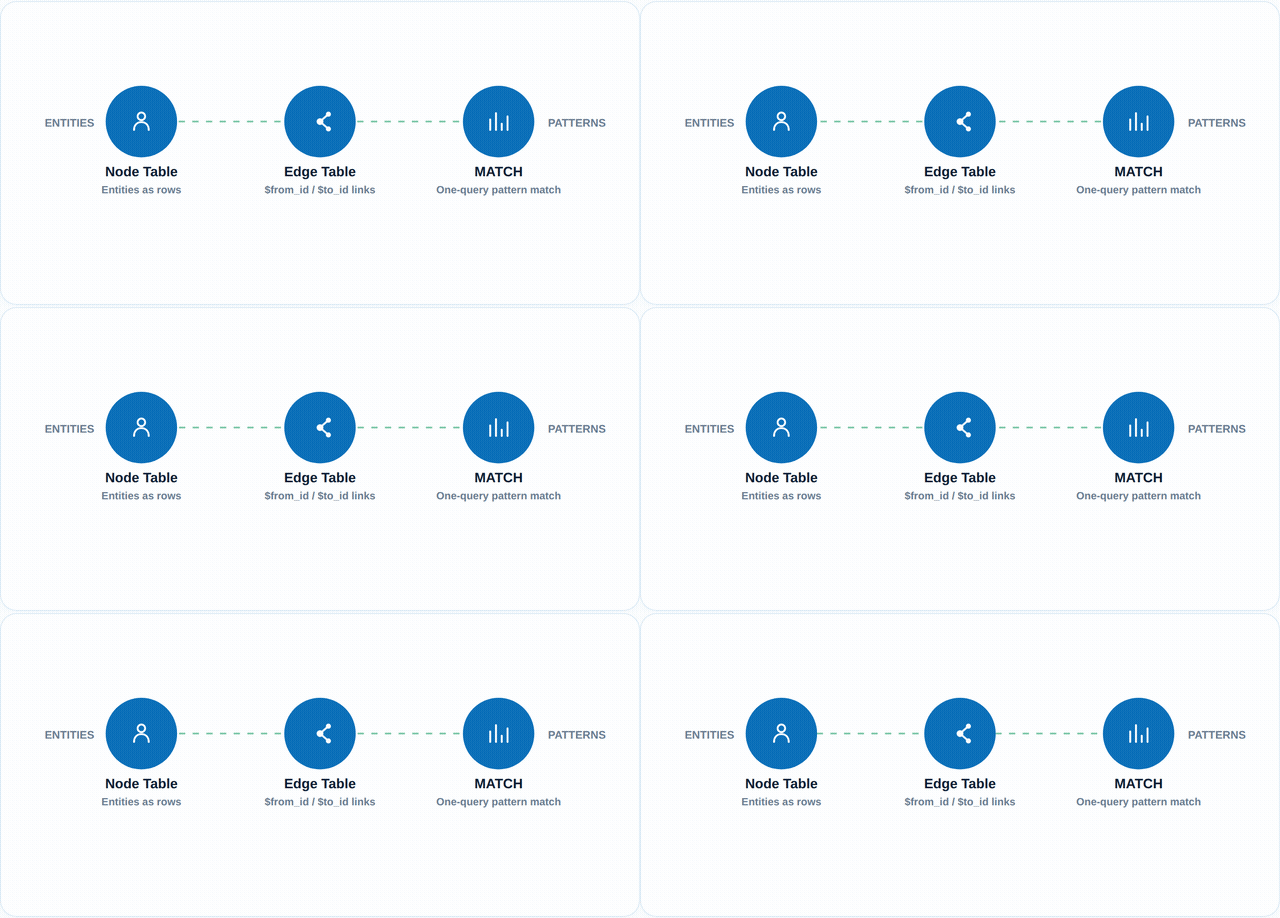
Built-In Graph Support: Nodes, Edges, and the MATCH Clause
This is the part that surprises people: there’s no separate graph server to install. You create two special kinds of tables inside the database you already have.
A node table looks like an ordinary table, just declared AS NODE:
CREATE TABLE Person (
ID INT PRIMARY KEY,
Name VARCHAR(100)
) AS NODE;
An edge table is declared AS EDGE, and SQL Server automatically gives it hidden $from_id and $to_id columns that point at the nodes it connects:
CREATE TABLE likes (
Since DATE
) AS EDGE;
INSERT INTO Person (ID, Name) VALUES (1, ‘Asha’), (2, ‘Mobashir’);
INSERT INTO likes
SELECT $node_id, (SELECT $node_id FROM Person WHERE Name = ‘Mobashir’), ‘2024-03-01’
FROM Person WHERE Name = ‘Asha’;
And this is where the MATCH clause earns its keep. Instead of writing the join yourself, you describe the shape of the relationship and let the engine resolve it:
SELECT Person2.Name
FROM Person AS Person1, likes, Person AS Person2
WHERE MATCH(Person1-(likes)->Person2)
AND Person1.Name = ‘Asha’;
SQL Server also ships a SHORTEST_PATH function for multi-hop traversal, and edge constraints that restrict which node types a given edge is allowed to connect, so a livesIn edge can’t accidentally link two Person nodes together. Everything still lives in the same database, backs up with the same tooling, and can be joined against your existing relational tables in the same query.
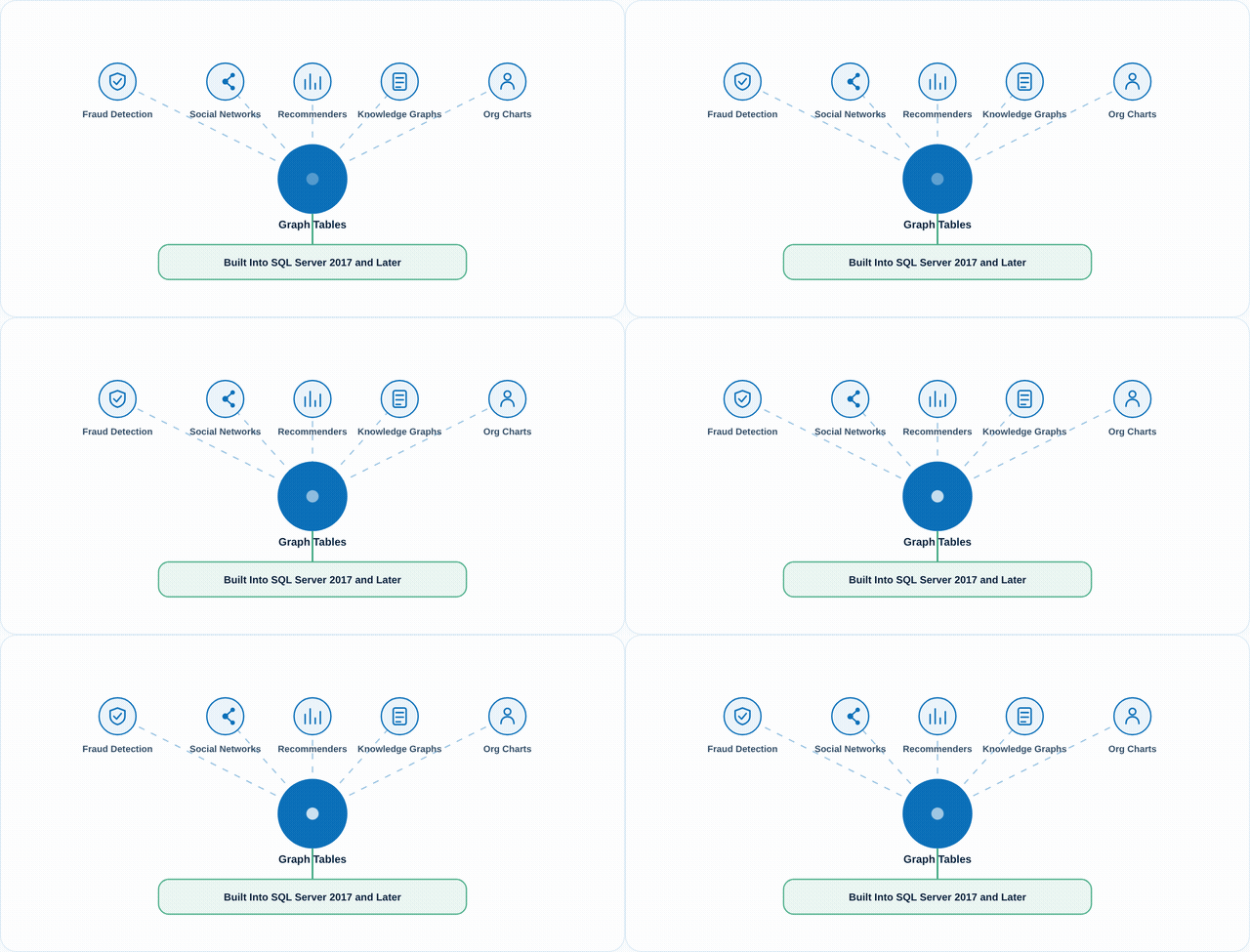
In practice, teams reach for this most often for fraud detection (tracing rings of accounts, devices, and transactions), social or professional network features, recommendation logic, knowledge graphs, and organizational or hierarchy data where a person, team, or asset can report into more than one parent at a time.
Where This Fits in 2026: SQL Server Graph Tables vs. Microsoft Fabric’s Graph Database
Something worth clearing up, because it trips people up in search results: SQL Server’s node/edge/MATCH feature and Microsoft Fabric’s newer Graph capability are not the same thing, even though both use the word “graph.”
SQL Server’s graph tables are T-SQL all the way through. You create them with CREATE TABLE, query them with SELECT and MATCH, and they’ve been supported since SQL Server 2017, carried forward into Azure SQL Database, Azure SQL Managed Instance, and SQL database in Fabric. If your data and your team already live in T-SQL, this is the lower-friction path, and nothing about it is going away.
Fabric’s Graph is a separate, newer capability built for OneLake: it stores and queries data natively as nodes and edges using GQL (Graph Query Language), a different syntax built specifically for graph traversal, and it’s aimed at workloads that are graph-native from the start rather than bolted onto an existing relational schema. It’s the right call when graph querying is the primary access pattern across a large, evolving dataset sitting in Fabric’s broader analytics estate, not just one feature of an otherwise relational application.
The short version: if you’re already in SQL Server or Azure SQL and need to model and query some connected data without standing up new infrastructure, node and edge tables do the job today. If you’re building a Fabric-native analytics platform where graph traversal is the main workload, Fabric’s Graph is worth a look alongside it.
Should You Use Graph Tables, Stay Relational, or Both?
- Start with the query, not the schema. If the questions you need to answer are mostly “how are these connected” and “what’s reachable from here,” prototype them as graph tables before you commit to another layer of joins.
- Mix models inside one database. There’s no rule that says a database has to be all graph or all relational. Keep your transactional core relational and add node/edge tables for the specific subset of data where relationships are the point, like a fraud-detection module sitting next to a standard ledger.
- Don’t migrate for its own sake. If your current joins are fast, well-indexed, and easy to reason about, graph tables won’t make a well-behaved relational schema better. They earn their place when the join count is already a problem.
The Takeaway
Graph tables have been sitting inside SQL Server since 2017, free for anyone already paying for the license, and they solve a specific, recognizable kind of pain: queries that are drowning in joins because the real question is about relationships, not rows. They’re not a replacement for your relational schema, and they’re not the same thing as Fabric’s newer native Graph engine either. Used for the right slice of your data, alongside the tables you already have, they turn a multi-join query into something that reads the way you’d actually describe the problem.
Join The Conversation
Share your perspective. Comments are moderated before they appear.